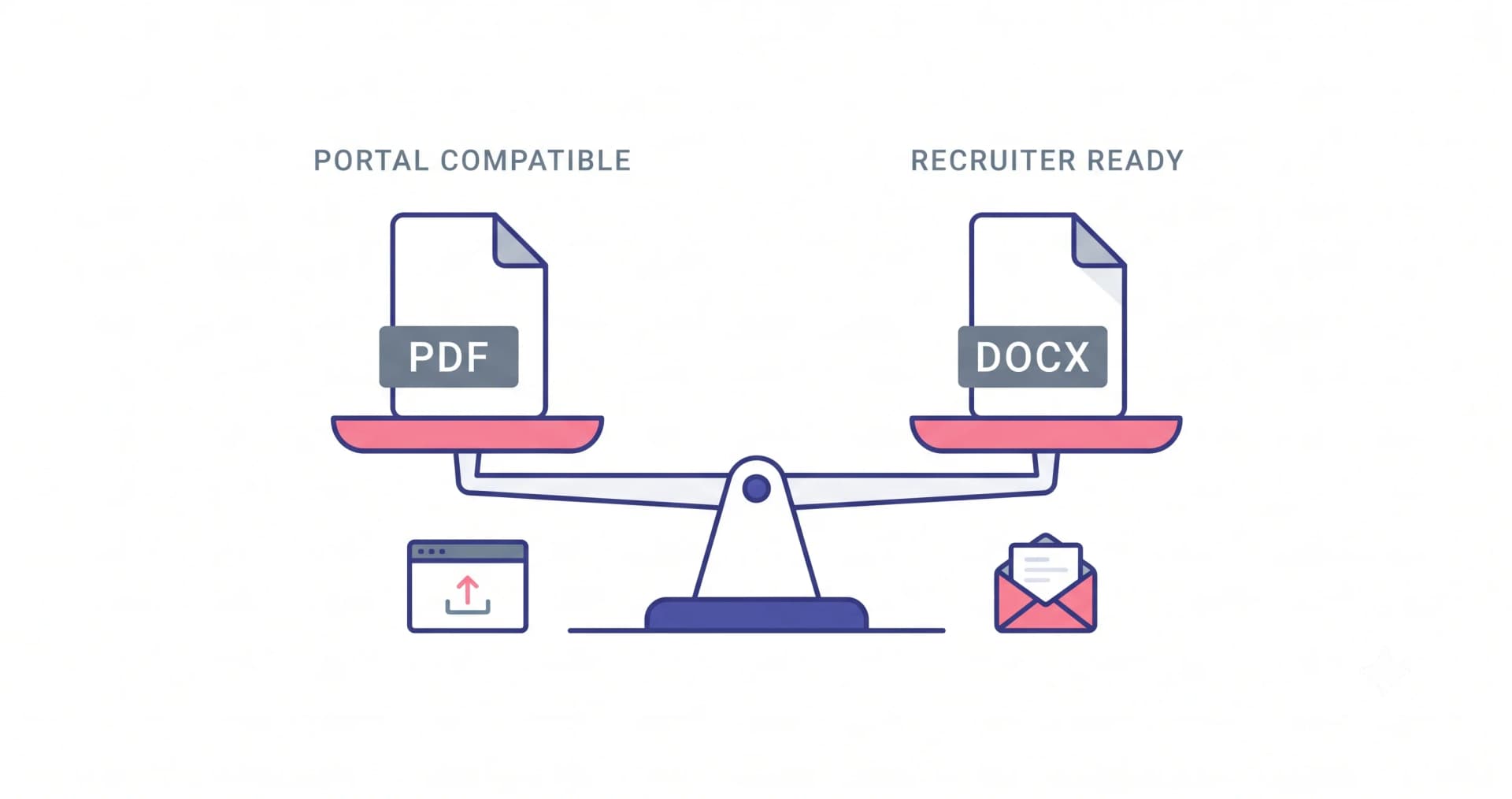
PDF preserves your layout. DOCX lets a recruitment consultant edit your resume before forwarding it. Both are parsed fine by every modern ATS, so the right answer depends entirely on who is receiving the file.
Send PDF by default
A PDF looks identical on every machine. A DOCX re-flows based on the fonts installed on the reader's computer, which is how a carefully laid out one-page resume turns into an awkward 1.4 pages on someone else's laptop.
Every major ATS — Workday, Taleo, SuccessFactors, Greenhouse, Lever, Naukri's recruiter tools — extracts text from PDFs reliably, provided the PDF contains real text rather than an image.
Send DOCX when the recipient will edit it
Recruitment consultants and staffing firms routinely strip your contact details, add their letterhead and forward the result to their client. Give them a DOCX and they do it cleanly. Give them a PDF and they retype it — introducing typos into your resume that you will never see.
If a portal explicitly asks for .doc or .docx, obey it. That instruction usually means an older parser sits behind the form.
Never send these
- Pages or ODT files — many portals reject them outright
- Images (JPG/PNG) of your resume — zero extractable text
- Google Docs share links — recruiters won't request access, they'll move on
- A ZIP of everything — attachments beyond the resume get ignored anyway
Name the file properly
Your file name is visible in the recruiter's download folder alongside a hundred others. 'asha-verma-backend-engineer.pdf' is findable. 'resume_final_v3.pdf' is not, and 'CV.pdf' will be overwritten by the next person's.
Common questions
Does a PDF hurt my ATS score?
Not on any system in common use today. The myth dates from the mid-2000s, when parsers genuinely struggled with PDFs. What still hurts is a PDF exported as an image, or one built out of text boxes.
Put this into practice
Build, score and tailor your resume with JotCV — free plan, no card needed.
Export a clean PDF in one click