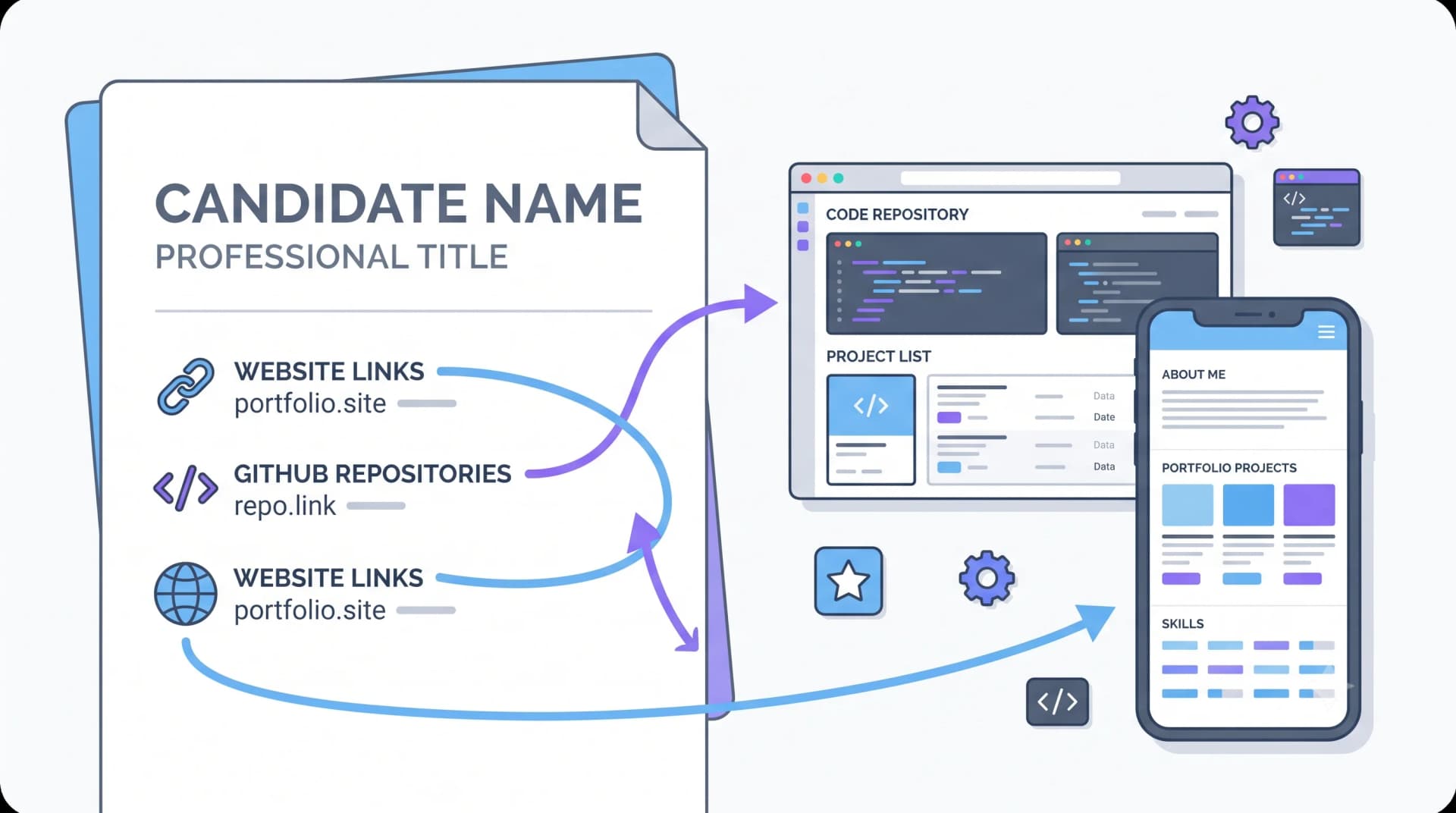
Recruiters and hiring managers do click these links — usually once, briefly, often on a phone. What they land on either adds credibility or quietly removes it.
Link only what survives a ten-second visit
An empty GitHub with three forked tutorials is worse than no link. It converts 'unknown' into 'confirmed inexperienced'.
- A GitHub profile where the pinned repos have READMEs and recent commits
- A live site that loads in under three seconds on mobile data
- A portfolio page that shows work, not a stock template with placeholder text
Fix your GitHub profile in twenty minutes
- Pin your three best repositories
- Give each a README: what it does, a screenshot, how to run it
- Add topics and a one-line description to each
- Delete or archive abandoned course repos
- Put your name and a contact link in your profile bio
Write the link so it's usable in print and in text
Type the URL out rather than hiding it behind a hyperlinked word. Printed resumes and text-extracted versions both lose the underlying href, and 'Portfolio' as blue text becomes meaningless. Use the short form: github.com/ashaverma, not the full https://www.github.com/ashaverma?tab=repositories.
Where to put them
In the header, next to your email — that's where a reader looks for them. Repeating a project's link beside its bullet is worth it when the project is the strongest thing on the page; otherwise it's clutter.
Non-engineers have links too
A designer's Behance, a writer's published clips, a marketer's campaign case study, an analyst's public dashboard — same rules. One strong link beats four weak ones, and it must load.
Put this into practice
Build, score and tailor your resume with JotCV — free plan, no card needed.
Build a portfolio in minutes